Learn Make.com with AI
Make.com looks simple until it is not. When your scenario fires five times instead of once and you do not know why, Talk To Your Computer can look at your modules and explain what is happening.
Why Make.com Has a Steep Learning Curve
Make.com's scenario builder looks deceptively simple — drag modules onto a canvas, connect them with lines, press play. But the execution model underneath is where everyone gets confused. Bundles are the core concept, and most people do not understand them until their third or fourth broken scenario. A single trigger can emit multiple bundles, and every downstream module runs once per bundle. This is why your HTTP module fires five times when you expected it to fire once.
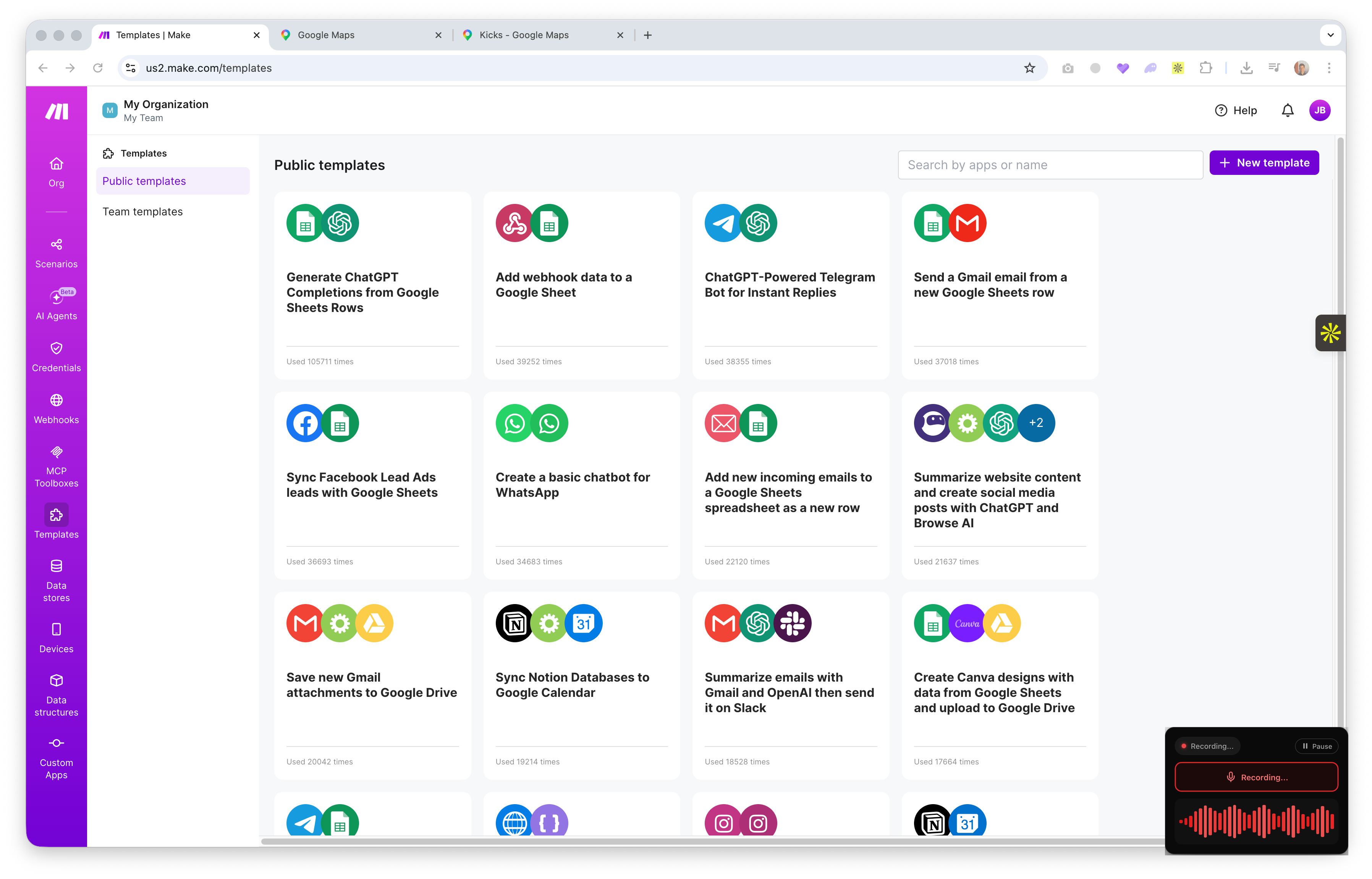
Iterators explode arrays into individual items. Aggregators collapse items back into arrays. Routers split the flow into parallel paths. Filters conditionally block execution. These four primitives combine to handle any automation logic, but knowing which one to use when is the entire learning curve. The documentation explains each in isolation; it does not explain the specific combination your scenario needs.
Error handling adds another layer. Resume, Ignore, Break, Rollback, and Commit each have different behaviors, and choosing the wrong one can silently swallow errors or halt your entire scenario. When module 4 of 8 shows a red error badge and the error message references "Bundle 3 of 5" — you need to understand both the error and the execution flow to fix it.
How Talk To Your Computer Changes This
Share your screen with your Make.com scenario open and ask: "why is this module running five times?" Talk To Your Computer can see your scenario layout, the module connections, and the data flow indicators. It can explain that your trigger is emitting multiple bundles and suggest where to add an aggregator if you want the downstream modules to process everything as a single batch.
Error debugging is where this really shines. Instead of copying error messages into Google and reading forum posts from 2022, you can point at your failed module and say "what does this error mean and how do I fix it?" The AI sees the error, the module configuration, and the surrounding scenario context all at once.
What You Can Ask
Bundles and Items — The Core Concept Most People Miss
A bundle is a packet of data that flows through your scenario. When a trigger module (like "Watch Rows" in Google Sheets) finds 5 new rows, it emits 5 bundles. Every single module downstream runs 5 times — once per bundle. This is the single most common source of confusion in Make.com.
If you want all 5 items to be processed as a group — for example, sending one email with all 5 items listed inside — you need an Array Aggregator before your email module. It collects all the bundles and outputs a single bundle containing an array. Understanding when to aggregate and when to let bundles flow individually is the key to building reliable scenarios.
Building Reliable Error Handling
Make.com's error handling directives — Resume, Ignore, Break, Rollback, Commit — are powerful but poorly understood. Ignore silently swallows the error and continues. Resume provides a fallback output and continues. Break stops the current execution and stores the bundle for retry. Choosing the wrong one means either lost data or an inbox full of failed execution notifications.
When you are not sure which handler to use, share your scenario and ask. Describe what should happen when a module fails — should the scenario keep going, retry later, or alert you? The right answer depends on your specific workflow, and having AI look at your scenario structure makes the recommendation specific rather than generic.
When to Use Routers vs Filters vs Iterators
A Router splits your scenario into parallel paths — every bundle goes down every path (unless filtered). A Filter sits between two modules and blocks bundles that do not match a condition. An Iterator takes an array inside a bundle and emits one bundle per array item.
People confuse routers with if/else logic. A router is not if/else — it is "and also." If you add filters to router paths, then it becomes conditional. But without filters, every path runs for every bundle. If your scenario is doing something unexpected, this distinction is usually the reason. Ask while looking at your scenario and get an answer that references your specific module layout.
Try it free — no install needed
Share your screen. Hold the mic button. Ask anything.
Get Started Free